
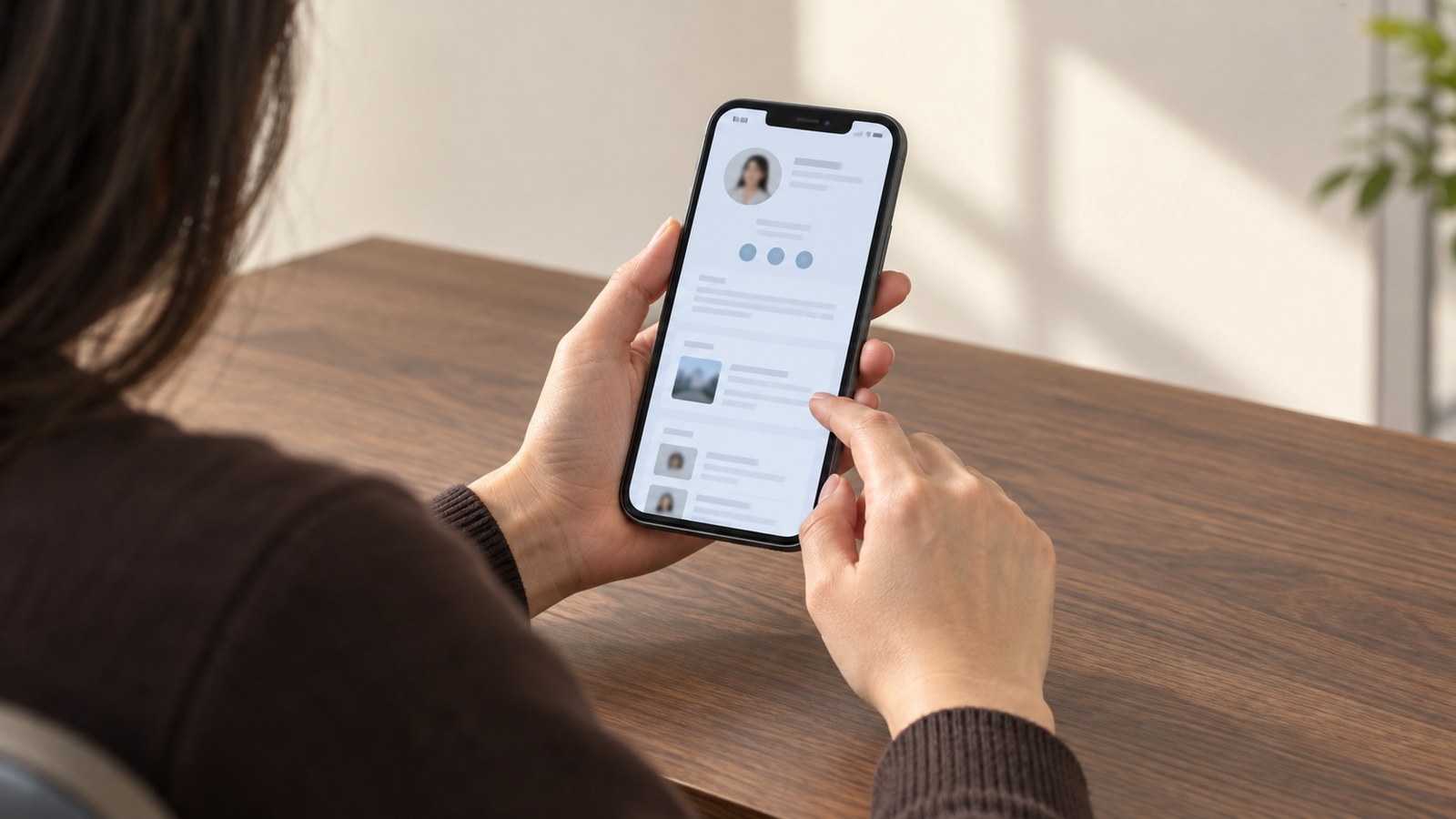
Being findable online means one specific person, already looking for you, can confirm they have the right you, understand what you do, and reach you without confusion. It is also not the same as being trusted, and not the same as receiving enquiries. Someone can find you and still not need your service.
For a professional name search, three things usually need to agree: who you are, what you offer, and how to reach you. This is guidance rather than a validated framework. Treat the planning notes below as proposals you can adapt, not as a proven method.
A name search is a confirmation task. Someone already heard about you and wants to check that you are real, current and relevant to them. Service discovery is different: a person types a problem and compares strangers. The two need different answers.
Start with one name search and check the details you control.
What should one owned page and a few profiles contain?
Choose one page you control as your main reference. Give it your current professional name, role, service and contact route. Include location only when useful and safe to publish.
Beyond that, keep only the profiles you can genuinely maintain. There is no magic number. Choose profiles based on where your clients actually look and where you can keep details true, then update or remove the rest as capacity allows.
A page title and the visible heading should match the person and the work. Google's guidance notes that clear, unique, accurate titles help, while pages are usually discovered through links. It also states that indexing and ranking are not guaranteed, and that changes may take time without a promised timetable (Google Search Central, n.d.). That is the honest limit of what any plan can claim.
Keep one consistent professional name form. On your owned page, use that form in the title and heading so people can match it to what they searched. Use that name on the profiles you maintain.
For a common name, consider adding details that distinguish you. Suppose, hypothetically, that three people in your city share your name. The goal is making the right one obvious. Add details that narrow it: your city, your role, your field and the specific service you provide, then let your owned page carry the fuller description. Use a city only when it is relevant and safe to publish; it is not mandatory.
How do you check what a stranger finds?
Search your name in a private browsing window and record the date. Search results are a dated sample of what one engine showed you, not proof of universal visibility. Another person, place or device may see something different.
Sort what you find into columns. Ask: is this accurate, is it current, is it mine to change, and does it lead to a usable contact path?
| Check | What to inspect | Next action |
|---|---|---|
| Name result set | Your name as a stranger would type it, with the date noted | Save a dated note of what appeared and what was missing |
| Owned page | Title, role, location, service, contact link | Correct details, keep the page linkable from your profiles |
| Profiles | Name, photo, role, city, service, links | Update the manageable ones, retire what you cannot maintain |
| Contact path | Broken links, expected acknowledgement, routing | Test separately and inspect each failure where you have access |
Treat results from third parties as third-party controlled. You can ask for a change, not command one.
What privacy boundaries are reasonable?
Share less than you think you need to. A professional contact path does not require a home address, a client list or personal family details. Publish only information you have authorised, and keep private addresses and client data out of it. Choose professional details for public view and keep private details private; do not disclose private information merely because someone asks for it.
If you want a broader view of how presence, clarity and consistency fit together, the guide on digital presence covers the wider picture.
How do you test the contact path carefully?
Test it the way a real person would, but only with authorisation. Agree the test with the site owner or the recipient, send from an authorised address, and include only minimal, non-sensitive test data. Note what happens at each stage.
Separate the possible failures, because they have different fixes. Record the on-screen response, any expected email acknowledgement, and confirmation from the intended recipient separately. An on-screen success message alone does not prove inbox delivery. Some forms send no autoresponse at all, so no receipt does not by itself prove the form has failed.
If a test raises doubt, stop repeating submissions and ask an authorised person to inspect the form configuration and logs. If you do not control a third-party profile, send one specific request to whoever does, with the date and the evidence you gathered.
What if your page is missing, and how do you check access?
If a page you own does not appear, first verify that it is live and public. Then, if you have access, inspect Google's recorded indexing information for that address and, where available, run a live URL test; neither guarantees inclusion or ranking.
If you lack access, ask the site maintainer to review the access and indexing settings for that page. Ask them to check without exposing private or draft pages. Assign an owner and a next check date to each item based on the specific issue, rather than expecting a fixed repair schedule.
How do you check the page on a phone and a keyboard?
Open your owned page on a small screen. Check that the name and contact link are visible without sideways scrolling. Then use only the keyboard to move through the page, watching for a visible focus indicator. Check that zoom still leaves the text readable.
These are basic checks, not a full accessibility review. W3C's easy checks cover page titles, headings, contrast, visible keyboard focus, zoom, image alternatives and form labels, and note that passing them does not rule out serious barriers (W3C WAI, 2024). Treat them as a first pass.
On credibility, the useful lesson is modest. In a study where thousands of people judged two live sites, some mentioned design look when explaining their impression (Fogg et al., 2002). That is a comment about how people described their judgments, not proof that design causes trust. Clarity still helps a reader, and that is reason enough to keep the page tidy.
Key takeaways
- Being findable means the right person can confirm you, understand your work and reach you, not that they will trust you or enquire.
- Keep one central page you own, plus only the profiles you can maintain accurately.
- A search result is a dated sample, not proof of universal visibility; name search and service discovery are different jobs.
- Test the contact path with the owner's or recipient's authorisation, respect privacy, and record who owns each fix, with a date and the evidence.
Frequently asked questions
References
- Fogg, B. J., Soohoo, C., Danielsen, D., Marable, L., Stanford, J., & Tauber, E. R. (2002). How do people evaluate a web site's credibility? Results from a large study. Stanford Persuasive Technology Lab and Consumer WebWatch. Source.
- Google Search Central. (n.d.). Search engine optimization (SEO) starter guide. Retrieved October 20, 2026. Source.
- W3C Web Accessibility Initiative. (2024). Easy checks: A first review of web accessibility [Draft update]. Source.
This article is for informational and educational purposes only and does not constitute financial, legal, tax, medical, or professional advice. Individual results vary.